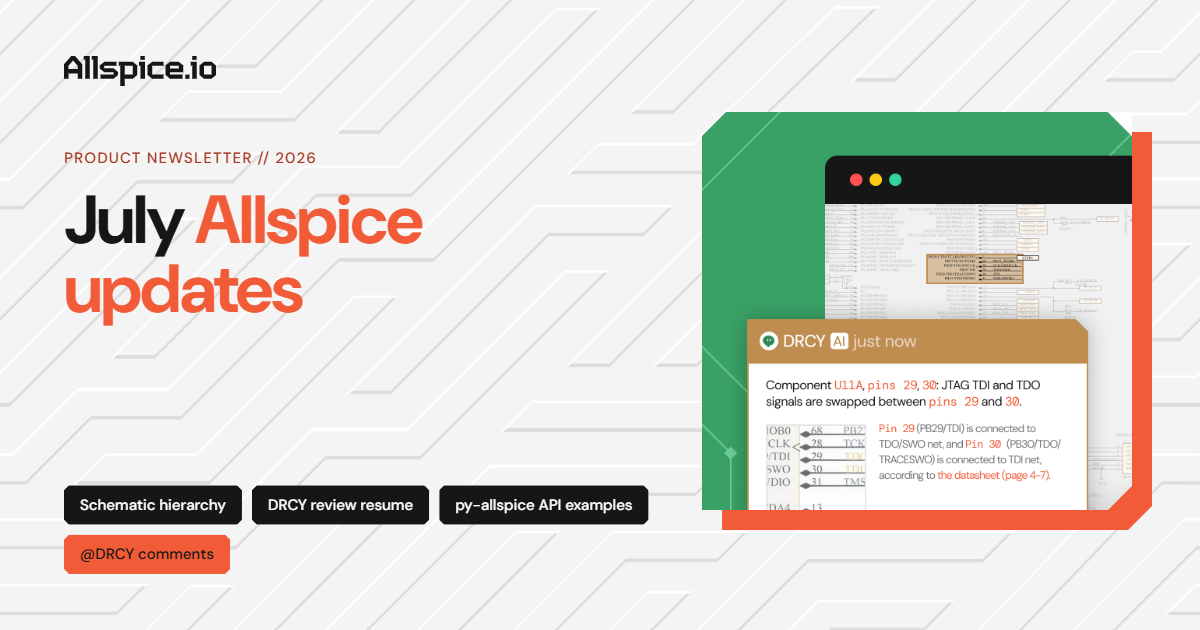
June Allspice updates: Search nets + sharper DRCY reviews

June was all about sharper reviews and ECAD-like navigation. Whether you're tracking a net across a busy schematic or fine-tuning how DRCY reads your designs, there's something new for you in Allspice.

📝 View all product updates in detail on our Headway changelog. Updated every other week.

June Allspice updates lead image showing a schematic with highlighted nets, with feature tags for net search and jump-to, preferred part-number attribute, and DRCY reviews unchanged sheets.
Written by:
John Piotrowski
|
Updated on:
November 11, 2026

🔎 Search nets by name and jump straight to them

Find and jump-to any net instantly.

Search a net by name and Allspice highlights its wires and zooms right in. It works across single-page and multi-page schematics, highlights every wire in a net, and automatically opens collapsed pages.

Allspice design review showing a schematic zoomed in on a highlighted net among microcontroller signals, with the project file tree on the left.

→Read the full update here

‍

🎯 Tell DRCY where your part numbers live

DRCY now reads the IPN you point it to.

Designs store the canonical part number in different attributes, and DRCY used to pick one on its own for each review, so you couldn't count on it using your IPN. Now you can name the attribute DRCY should read, once per repository, and it uses that on every review.
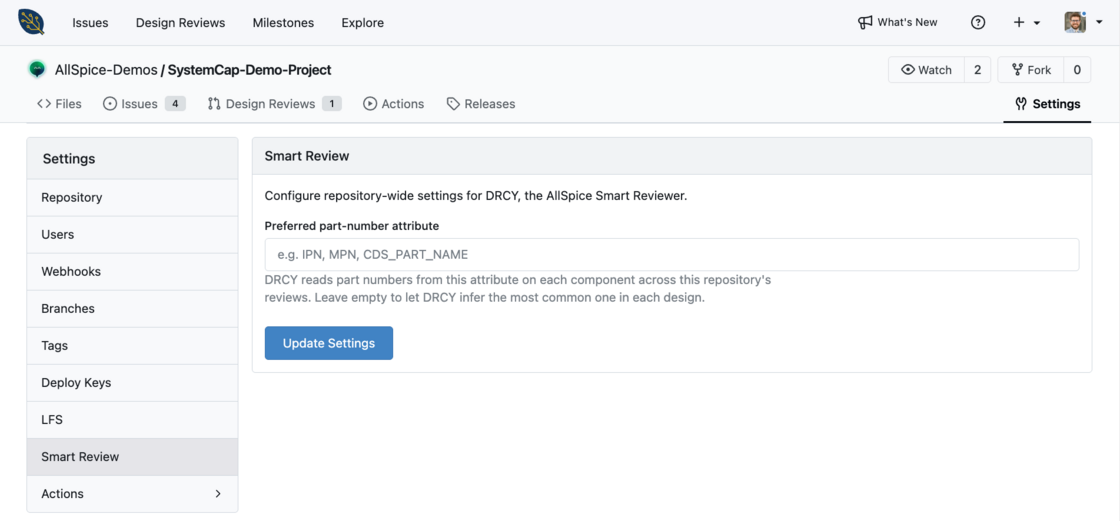
Allspice repository settings on the Smart Review page, with a preferred part-number attribute field for values like IPN, MPN, or CDS_PART_NAME and an Update Settings button.

→Read the full update here

‍

👀 Have DRCY review the unchanged sheets

Review more than just what changed.

When you set up a DRCY review with the "Request DRCY" button, you can now toggle on "Show Unchanged Sheets" and pick any schematic sheet you want DRCY to review.
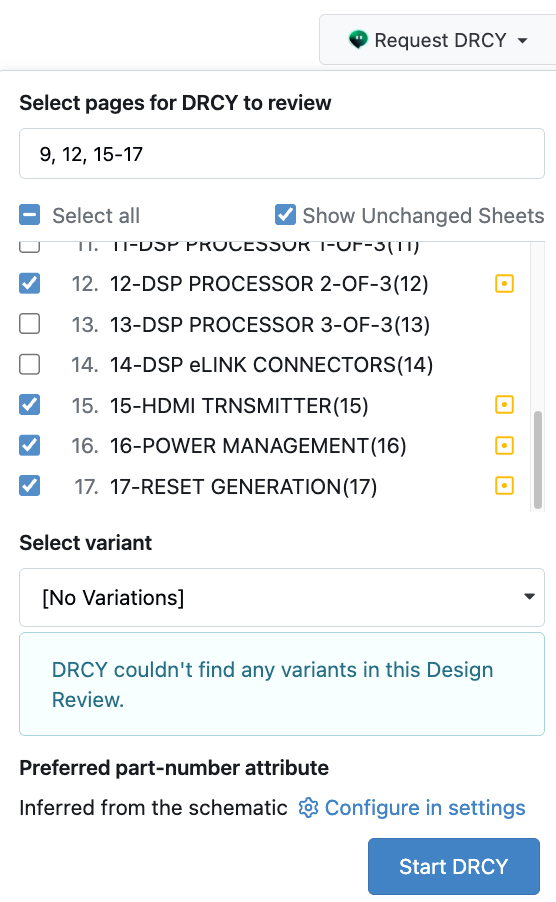
Request DRCY menu with Show Unchanged Sheets turned on and selected sheets including DSP processor, HDMI transmitter, power management, and reset generation.

→Read the full update here

‍

Community News

If you've ever wondered what the rest of your hardware team's tool stack could look like, we teamed up with Quilter and Modelwise during a webinar in July. We talked through how PCB layout, design reviews, and failure analysis fit together, and where AI + automation can help across all three. Check it out here!

Banner for The AI-native hardware development workflow webinar presented by Allspice, Quilter, and Modelwise on Wednesday, July 15, at 10:00 a.m. PT and 1:00 p.m. ET.

‍

That’s all for this month folks. Thank you for being part of the Allspice community. If you have any questions, want to see a demo, or are interested in new features, don’t hesitate to reach out.


‍

John Piotrowski, Sr. Product Manager at AllSpice
John Piotrowski
Sr. Product Manager

I'm a builder with a curious streak. I've spent my career bridging the physical and digital sides of how things get made. Early on, I watched some of the world's best engineers and designers wrestle with legacy CAD tools that hadn't kept up with the work being asked of them. That frustration pulled me into CAD startups, both ECAD and MCAD, where I've spent the last 10+ years trying to deliver better tools to the people building real things. Today I'm the Senior Product Manager for the Platform team at Allspice, focused on making powerful hardware design workflows feel approachable. I earned a B.S. and M.S. in Mechanical Engineering from Drexel University in Philadelphia before co-founding my first startup in Colorado. I now call New York City home with my wife and dog.