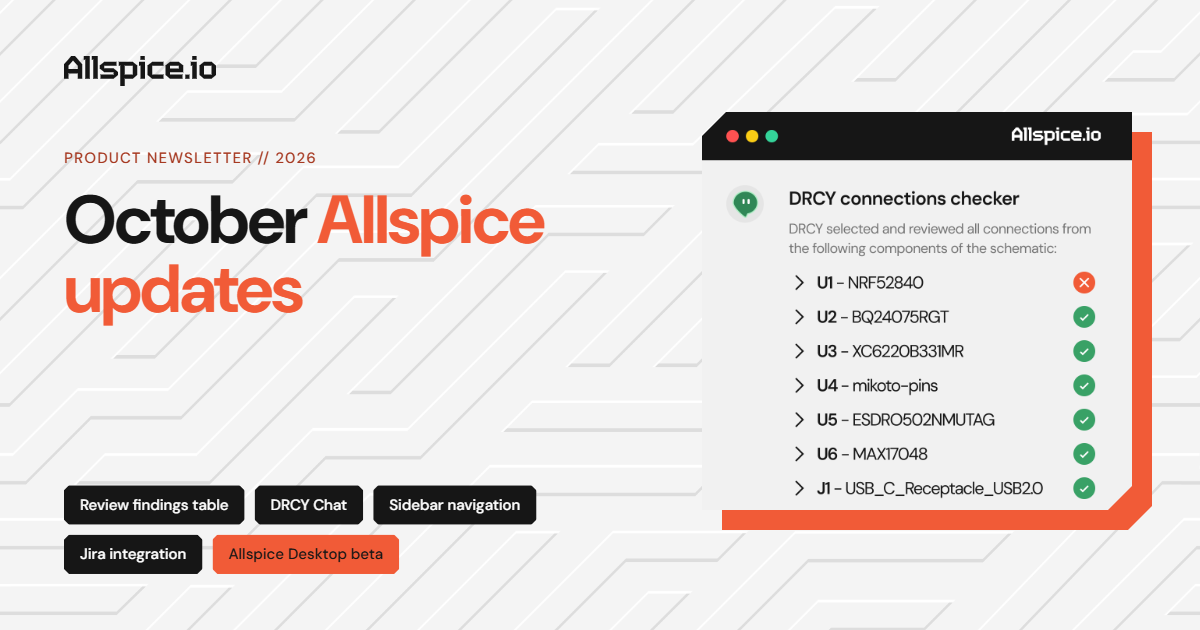
October Allspice updates: Navigation and automation
October brought new looks and new tools to make the most of Allspice and DRCY AI. We introduced better ways to navigate through your organizations workspace and an improved experience for searching and triaging review findings. We also have some peaks into beta features, and an example automation integrating Jira with Allspice and DRCY!
📝 View all product updates in detail on our Headway changelog.
🕵️ Review findings that are more discoverable
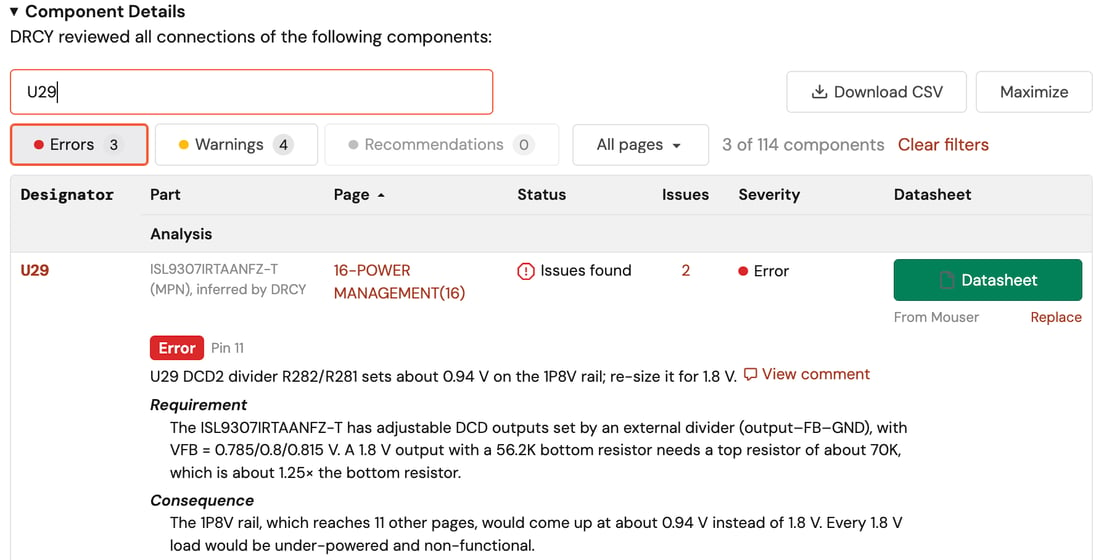
Use the new interactive table to sort through DRCY's analysis
Filter and search through DRCY AI review feedback; finding comments by component, page, severity, or keyword. Control what findings get posted, easily export the entire review, and quickly access datasheets, all through the new review findings table.
🧰 DRCY Chat [Beta] adds new capabilities and context
Organizational guidance, reference documents, and edit capabilities
Have DRCY follow your organizations standards, requirements, or processes with a DRCY.md file. Enter a chat with context from design reviews and issues, upload reference documents, and have DRCY add directly to the conversations or issue threads. Ask about our Altium schematic editing capabilities and how you can use DRCY to identify and fix schematic issues or make schematic updates!
🌊 Less menu surfing, more designing
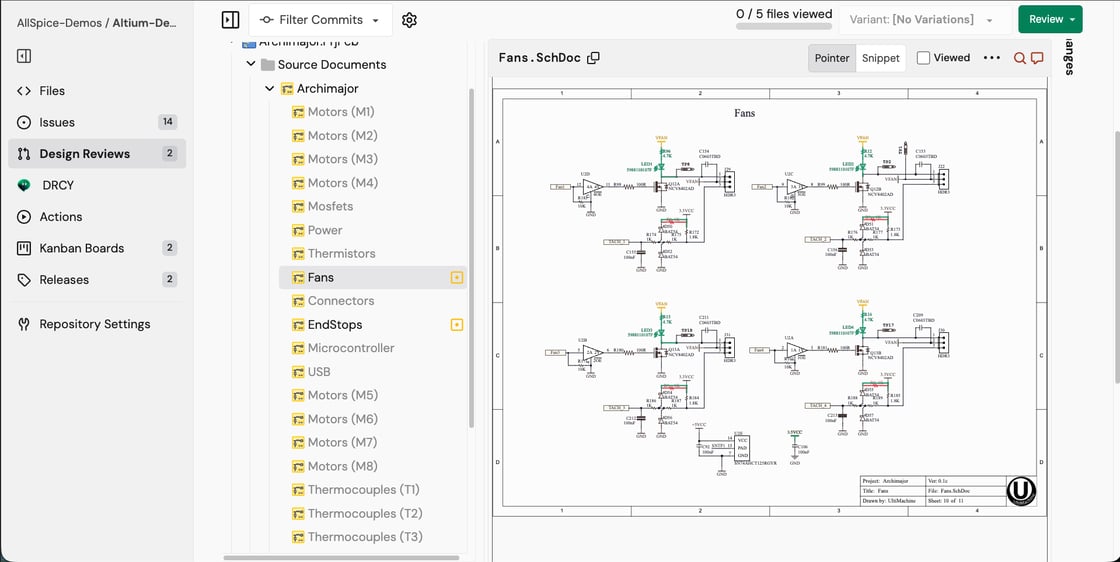
We’ve moving Allspice’s repository navigation from the top bar to a persistent left sidebar, bringing a more consistent experience. The same navigation options and actions stay within reach, even as you scroll, so you can spend less time finding your way around and more time working on your designs. If you need more space for your design you can collapse the left sidebar to give you more working room.
🧩 Allspice + Jira: Connected workflows!
Bring your existing workflows into Allspice without disrupting how your team works. With a Jira integration you can automatically create Jira tickets from Allspice issues, sync comments and status updates bidirectionally, and bring DRCY AI findings directly into Jira with full design context. Less friction, more connected hardware development.
🖥️ Allspice Desktop coming soon 👀
Want early access? Ask to test the beta!
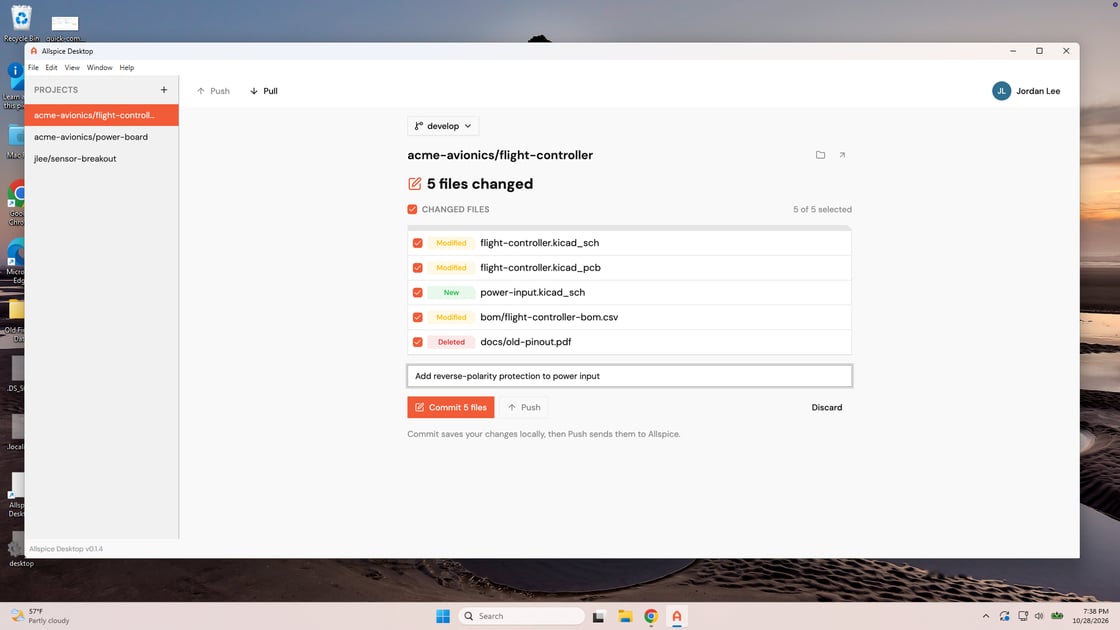
Your design work happens in your ECAD tools, on your desktop. Getting those files into version control shouldn’t be a separate project. Browser uploads are easy to start with, but remembering to upload each revision can leave your team working from an outdated copy. A Git client brings version control closer to your daily work, but setup and unfamiliar commands are foreign to most hardware engineers.
We’re building Allspice Desktop to make version control a simpler part of your design workflow, with an easy sign-in flow and everything you need bundled in. You’ll be able to track changes and collaborate with teammates by sharing revisions and bringing in their updates, right alongside your ECAD tools. No command line or separate version-control setup required.
🙋♀️ Join us in Munich for Electronica!
Come check in at our booth, B5.178, and join our solutions architect Connor for a presentation on how AI is transforming hardware development!
That’s it for this month’s product updates. We’re excited to keep making hardware development faster and easier, and we appreciate everyone who shares feedback along the way. Questions, feature requests, or demo requests are always welcome!